

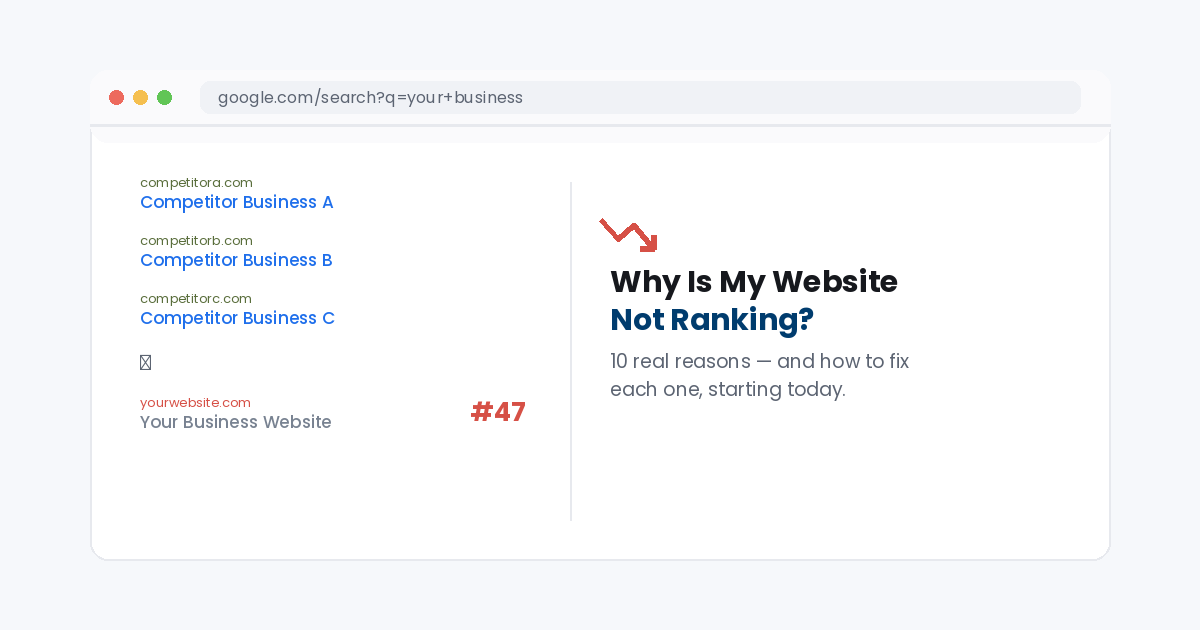
Buried on page 5 while competitors sit on page 1? These 10 reasons are almost always why.
Why is my website not ranking, it’s the question every site owner asks the moment they search their own business and can’t find it. The honest answer is almost never one single mistake. It’s usually two or three of the ten reasons below stacking on top of each other.
In this guide you’ll go through all 10 reasons a website fails to rank, in the order worth checking them, with a quick fix for each one.
The short answerMost ranking problems come down to weak on page SEO, thin content, slow page speed, or a lack of quality backlinks. Fix the technical basics first, then build content and links consistently, rankings follow.
What does “not ranking” actually mean?
Every page for every search term has a position in Google’s results, yours might just be on page 6 instead of page 1. “Not ranking” usually means one of three things: your page isn’t indexed at all, it’s indexed but buried far below your competitors, or it ranks for the wrong keywords entirely. Each has a different fix, which is why working through the list below in order matters.
Why it’s worth fixing now
Over 90% of clicks happen on page 1 of Google, so ranking on page 2 or lower is close to invisible. Google publishes its own Search Essentials guidelines on what it takes to rank, and this compounds the issues covered in our guide on why a website isn’t showing on Google, not ranking and not showing up at all are often caused by the same root problems, just at different severities.
Why is my website not ranking? 10 common reasons
Work through these roughly in order, the first few are quick technical checks, the later ones take longer but matter just as much.
1.Your site is brand new or not indexed yet
Google can’t rank a page it hasn’t crawled and indexed, and new sites often sit in a waiting period before that happens.
Fix: Submit your sitemap in Google Search Console and use the URL Inspection tool to request indexing directly.
2.Weak on page SEO
Missing title tags, thin meta descriptions, or a page that never actually mentions the keyword you want to rank for all make it harder for Google to understand what the page is about.
Fix: Make sure your focus keyword appears in the title, meta description, URL, and the opening lines of your content.
3.Thin, duplicate, or outdated content
A page with a couple hundred words, or content copied from elsewhere, rarely outranks a competitor who answered the question thoroughly.
Fix: Expand your best pages to properly answer the question, and update anything with outdated information or statistics.
4.Slow page speed and poor Core Web Vitals
Google uses page experience signals directly in ranking, and a slow site pushes visitors back to the search results before it even loads.
Fix: Run your site through PageSpeed Insights and compress images, enable caching, and trim unused plugins or scripts.
5.Not mobile friendly
Google ranks sites using their mobile version first, so a layout that breaks or is hard to use on a phone gets pushed down regardless of desktop quality.
Fix: Test your key pages on an actual phone and fix any overlapping text, tiny buttons, or horizontal scrolling.
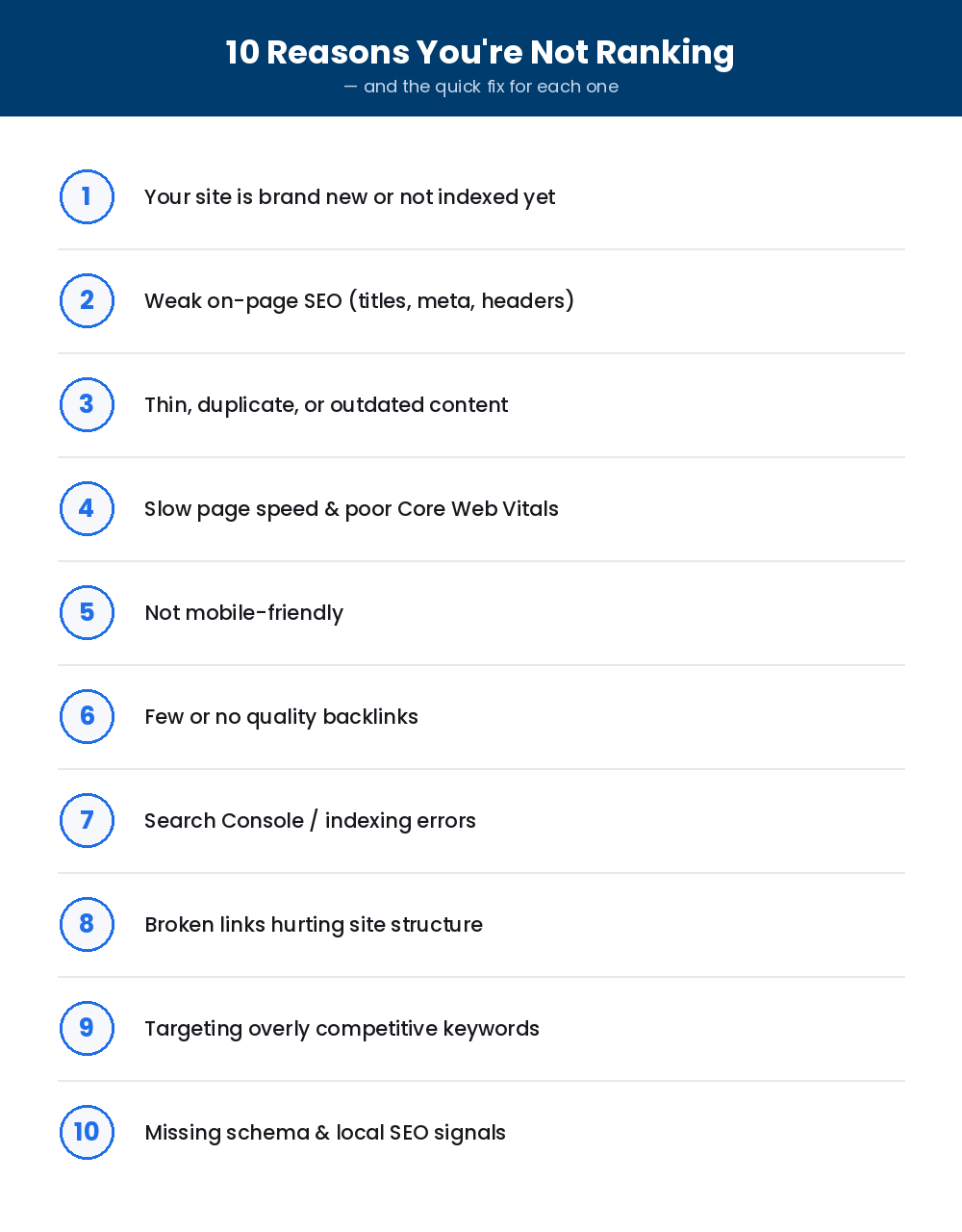
Save this checklist and work through it top to bottom.
6.Few or no quality backlinks
Backlinks are still one of Google’s strongest ranking signals, they tell Google other sites trust yours enough to link to it. Without them, even a well written page struggles to outrank competitors who have earned links over time.
Fix: Build backlinks deliberately: guest posts, directory listings, partnerships, and digital PR all work better than buying links, which can get you penalized.
7.Search Console or indexing errors
A stray “noindex” tag, a blocked robots.txt rule, or a canonical tag pointing elsewhere can silently keep a page out of Google entirely.
Fix: Check the Coverage report in Search Console for excluded pages and fix any accidental noindex or canonical issues.
8.Broken links hurting your site structure
Broken internal links waste the ranking value your pages pass to each other, and a messy structure makes it harder for Google to find your best content.
Fix: Run a site crawl to catch broken links, our guide on fixing 404 errors covers this step by step.
9.Targeting overly competitive keywords
A brand new site going after the same broad keyword as national brands is fighting a losing battle, no matter how good the page is.
Fix: Start with longer, more specific keyword phrases that have less competition, then work up as your site gains authority.
10.Missing schema and local SEO signals
Without structured data or a complete Google Business Profile, you miss out on rich results and local map pack rankings that competitors are capturing.
Fix: Add schema markup for your business and content type, and fully complete your Google Business Profile with accurate details.
Frequently asked questions
How long does it take for a new page to rank?
Typically a few weeks to a few months, depending on competition and how quickly Google crawls your site. Submitting your sitemap speeds up the initial indexing.
Can I fix my ranking without building backlinks?
On page fixes alone can help, especially for low competition keywords, but for competitive terms backlinks are usually the deciding factor between page 1 and page 3.
Why is my website not ranking even though I added the keyword everywhere?
Keyword stuffing can hurt more than help. Google rewards natural, useful content over repeated exact match phrases, use the keyword where it reads naturally and focus on genuinely answering the question.
Is it normal to rank for some keywords but not others?
Yes, ranking is calculated per keyword, per page. It’s common to rank well for specific long tail phrases while still struggling on broader, more competitive terms.
Still not ranking after checking all 10?
If you’ve gone through this list and your website is still stuck, TekShove’s SEO Marketing team can audit your site, fix the technical issues, and build the backlinks needed to move you up the results, properly and safely.
Talk to Our Team
Tell us what you need help with and our team will get back to you.