

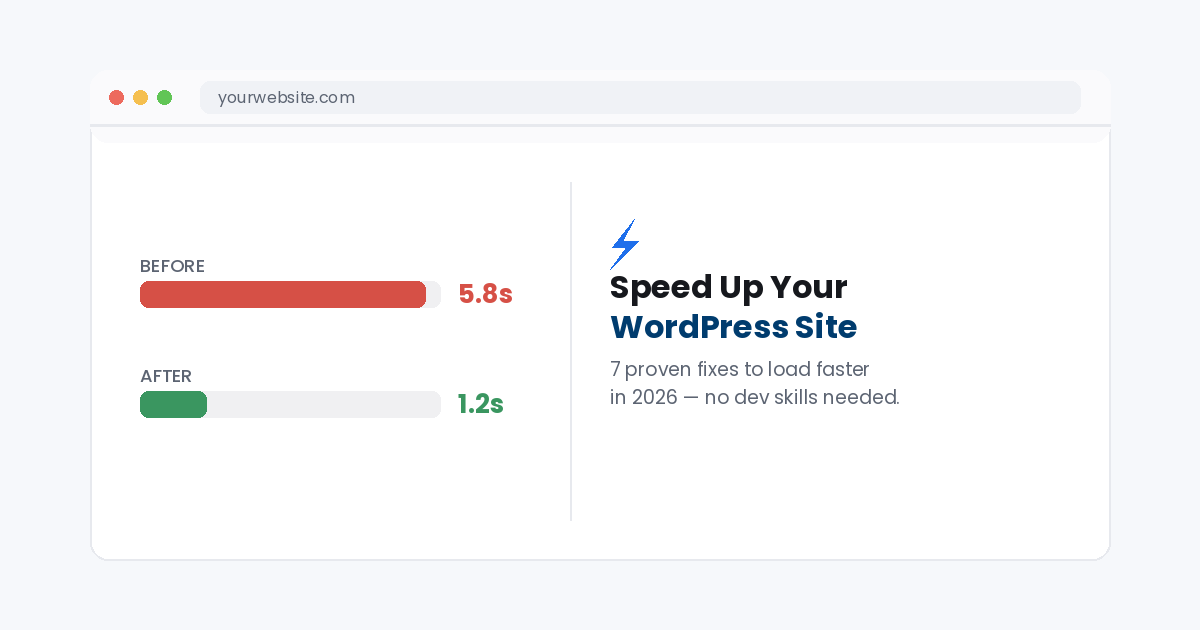
From a 5.8s crawl to a 1.2s snap, here’s exactly how to get there.
How to speed up WordPress comes down to a handful of fixes that matter far more than the rest, hosting, caching, images, and plugin bloat cause most of the slowdown on a typical site. Run your site through GTmetrix first to see exactly where your time is going, then fix those four alone and most sites feel dramatically faster.
In this guide you’ll go through all 7 fixes worth making, in the order that gives you the biggest speed gain first.
The short answerMove to quality hosting, install a caching plugin, compress your images, and remove unused plugins. Those four changes alone typically cut load time in half, the rest is fine tuning.
Why WordPress speed matters
A slow site loses visitors before it even finishes loading, and Google uses page speed directly as a ranking signal. If your pages take more than a couple of seconds, you’re losing both traffic and rankings at once, which is exactly why learning how to speed up WordPress pays off quickly. This often shows up alongside the issues in our guide on why a website is so slow, since the causes overlap heavily.
How to speed up WordPress: 7 fixes that work
Work through these in order, the first three or four typically account for most of the improvement.
1.Upgrade your hosting
Cheap shared hosting is the single biggest bottleneck on most WordPress sites, no matter how well the site itself is optimized.
Fix: Move to quality or managed WordPress hosting built for performance, even if it costs a little more per month.
2.Install a caching plugin
Without caching, WordPress rebuilds every page from scratch on every visit, caching serves a ready made copy instead.
Fix: Install WP Rocket (paid) or WP Super Cache (free) and enable page caching plus browser caching.
3.Compress and lazy load images
Large, uncompressed images are one of the most common causes of slow load times on WordPress sites.
Fix: Run images through a compression plugin like ShortPixel, and enable lazy loading so off screen images only load when scrolled to.
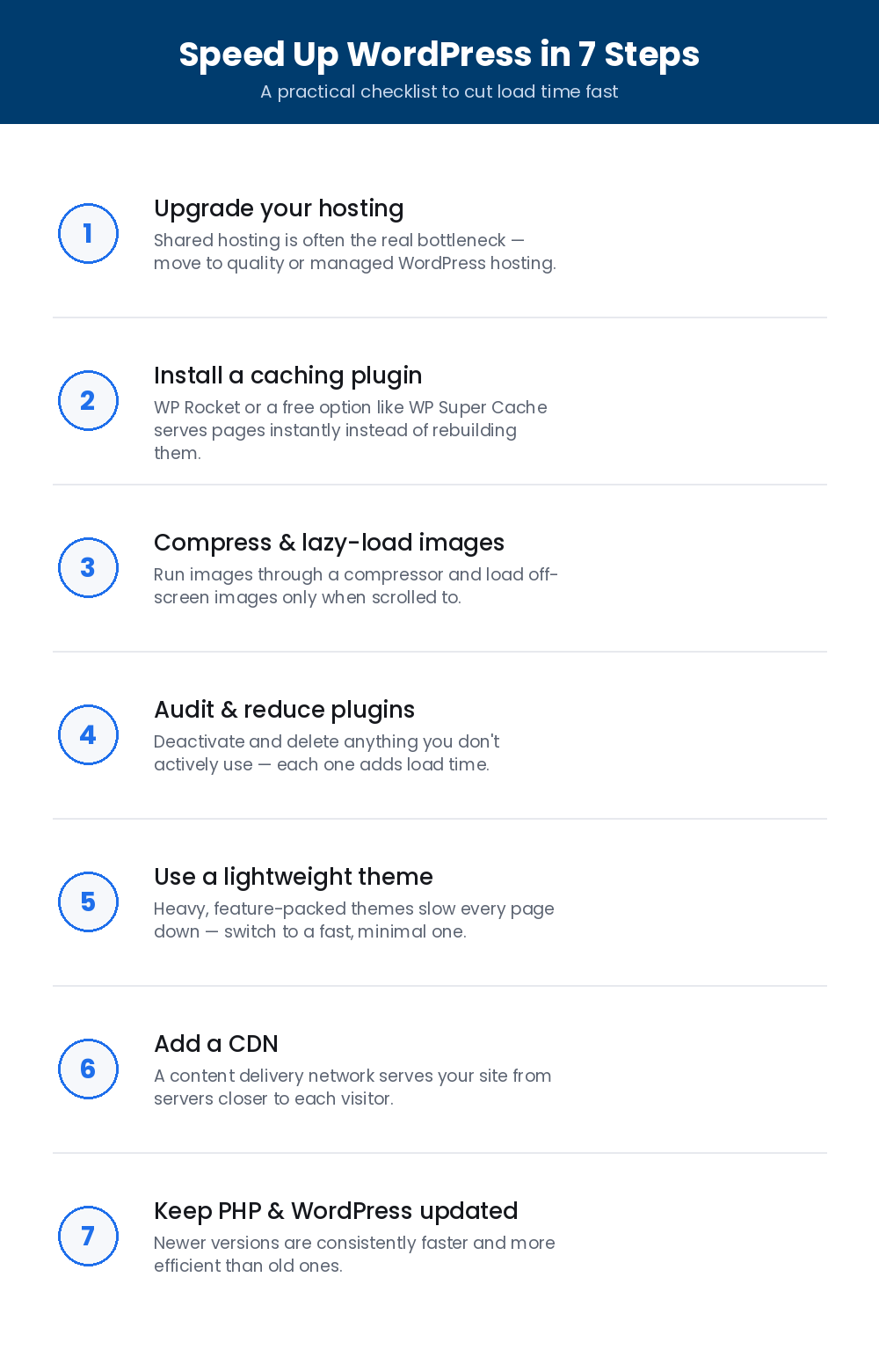
Save this how to speed up WordPress checklist and work through it top to bottom.
4.Audit and reduce plugins
Every active plugin adds some amount of load time, and many sites accumulate plugins they no longer actually use.
Fix: Deactivate and delete anything you’re not actively using, and check remaining plugins for known performance issues.
5.Use a lightweight theme
Feature heavy themes load extra CSS, JavaScript, and page builder scripts on every single page, even ones that don’t need them.
Fix: Switch to a fast, minimal theme like GeneratePress or Astra, and only add the specific features your site needs.
6.Add a CDN
Without a CDN, every visitor loads your site from one server location, which is slow for anyone far from it.
Fix: Enable a content delivery network like Cloudflare so your files are served from a location closer to each visitor.
7.Keep PHP and WordPress updated
Older PHP versions and outdated WordPress core files are consistently slower and less efficient than current ones.
Fix: Ask your host to update PHP to the latest supported version, and keep WordPress core, themes, and plugins updated.
Frequently asked questions
How much faster can WordPress realistically get?
Most sites that make the first four fixes on this list see load times drop by 50 to 70%. Going from 5 to 6 seconds down to 1 to 2 seconds is a common, achievable result.
Do I need to know how to code to speed up WordPress?
No, every fix here uses a plugin, a hosting change, or a settings toggle, so how to speed up WordPress rarely involves writing or editing any code yourself.
Will speeding up WordPress actually improve my Google rankings?
Yes. Page speed and Core Web Vitals are direct Google ranking factors, so a faster site typically sees a rankings improvement alongside the better user experience.
How often should I re check my site’s speed?
Re test after any theme, plugin, or hosting change, and do a general check every few months since plugins and content naturally add weight over time.
Still loading slow?
If you’ve made these changes and your site is still sluggish, TekShove’s Web Development team knows exactly how to speed up WordPress sites the right way, a full audit, the technical fixes, and a site that loads fast, properly and permanently.
Talk to Our Team
Tell us what you need help with and our team will get back to you.