

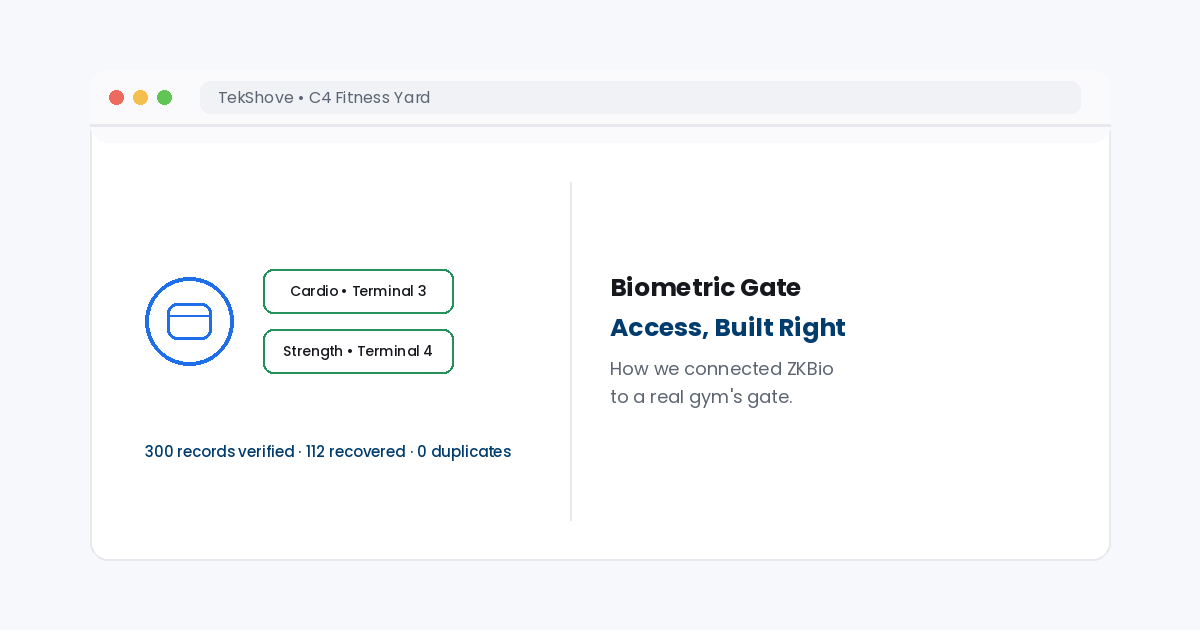
Two gates. One rule engine. Real membership data deciding every entry.
This biometric gate access case study covers real work: connecting ZKBio Time to a working gym, C4 Fitness Yard. The gates needed to open for paid, active members only, and nobody else.
In our build, we also found and fixed a real attendance sync bug. That fix recovered 112 missing gate records with zero duplicates.
What is a walkthrough biometric gate system?
A walkthrough biometric gate opens when it recognizes a face or fingerprint. It needs no card swipe or manual check. For a gym, it also checks membership status in real time, so only active, paid members can pass through.
That real time check is the hard part. Recognition alone is easy. Linking it to live membership and payment data is where most builds actually break.The real project: C4 Fitness Yard
C4 Fitness Yard runs a gym with two separate zones. Members use a Cardio area and a Strength area, each behind its own gate. Both gates connect through ZKBio Time, tied to terminal IDs, not one shared door. We built the full software layer linking member data to those two gates.The five rules behind every gate open
A gate doesn’t just check a face. In our system, five conditions must pass before the gate opens:- Active membership status, not expired or suspended
- No unpaid balance on the member’s account
- A valid time slot for that membership type
- The correct gate area for what the member paid for
- An exemption rule for admin and staff accounts
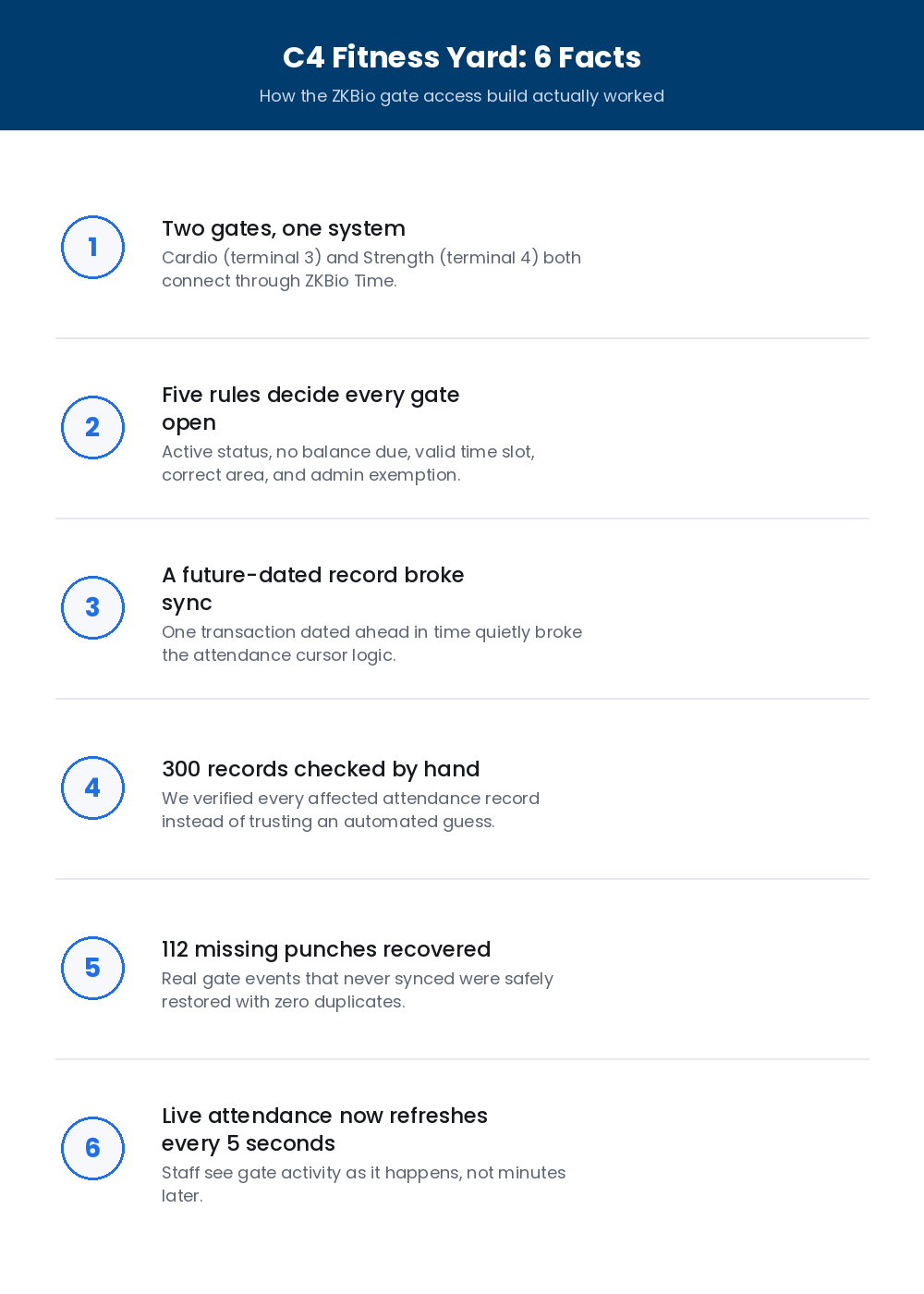 Six real facts from the C4 Fitness Yard gate access build.
 What we actually built
The gate logic was only part of the job. We also built the full day to day layer around it:- Fee collection and printable receipts for front desk staff
- Member data management, tied directly to gate permissions
- Employee permission controls, so staff access matches their role
- Live attendance tracking, refreshing every 5 seconds
- Bulk table controls, supporting up to 1,000 selected records at once
Running a gym, gym chain, or access controlled facility?
We’ll walk through your current setup. Then we’ll show you honestly what a real ZKBio based access build actually takes. Talk to our dev team →The attendance recovery story
Midway through the project, attendance records stopped syncing right. We traced the cause to one future dated transaction that broke the sync logic. Guessing was not an option here. Instead, we checked 300 attendance records by hand before touching anything. From that review, we safely got back 112 missing punches. The fix made zero duplicate rows, which we checked before closing the issue.300Attendance records checked by hand during recovery
112Missing gate punches safely restored
0Duplicate rows created during the fix
A note on the hardware
Being precise here matters. Our system connects to ZKBio Time terminals by role and terminal ID, not a fixed hardware model number. ZKBio Time supports SpeedFace style face terminals, including the SpeedFace V5L, as part of its normal lineup.
For any real install, always confirm the exact model from the terminal’s own label. Software logic and hardware model are two separate things. Mixing them up causes real support headaches later.What this means for your business
A gym, studio, or other place needs more than a plain access system. It needs one that ties together member status, payments, and staff roles. Our web development team builds exactly this kind of integration. Meanwhile, our SEO team helps facilities like this get found once the system is live. For more on ZKBio Time itself, see ZKTeco’s own ZKBio Time product page. This general reference on access control technology covers further reading.Frequently asked questions
What is a walkthrough biometric gate system?
A walkthrough biometric gate system opens when it recognizes a face or fingerprint. It needs no card swipe or manual check. For a gym, it also checks membership status in real time, so only active, paid members can pass through.What rules decide whether a gym member can pass through a biometric gate?
In our build for C4 Fitness Yard, five checks run before a gate opens. These cover membership status, unpaid balance, time slot, gate area, and an admin exemption rule.What ZKBio Time terminal model does this system use?
The software integrates by device role and terminal ID, not a hardcoded hardware model. ZKBio Time supports SpeedFace style face terminals, including the SpeedFace V5L. Always confirm the exact on site model from the physical device label.Need real biometric access built for your facility?
TekShove builds gate access systems tied to real membership and payment data. We test against real edge cases, like sync failures.Talk to Our Team
Tell us what you need help with and our team will get back to you.